Bringing Montessori Learning to Life with the Cross Stitch Turtle Laser Cut CNC Design
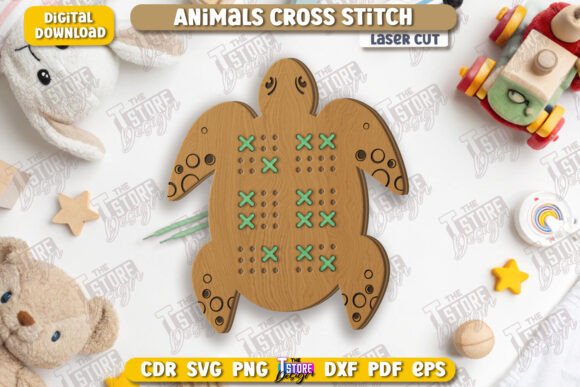
In the evolving world of educational toys and maker projects, the intersection of traditional crafts and modern technology has created a unique niche. Parents and educators are increasingly seeking hands-on activities that develop fine motor skills while offering the aesthetic charm of classic cross-stitch patterns. This is where the Cross Stitch Turtle Laser Cut CNC design shines as a versatile digital asset for creators using laser cutting machines. By combining the beloved imagery of animals with the tactile benefits of lacing games, this file serves as more than just a pattern; it is a blueprint for creating high-quality, durable educational tools.
The Perfect Blend of Tradition and Technology
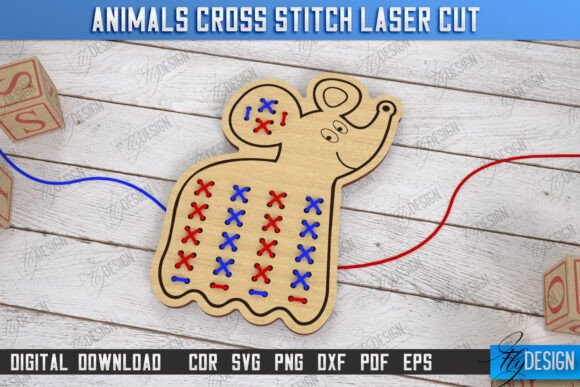
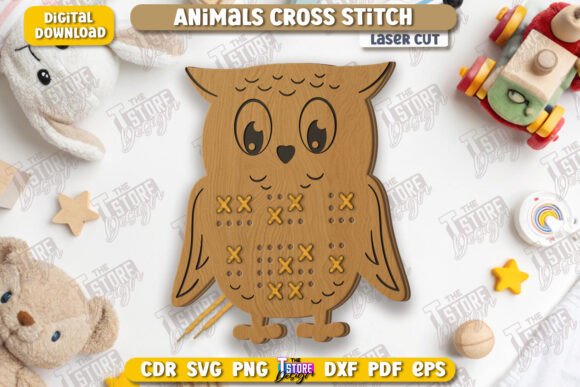
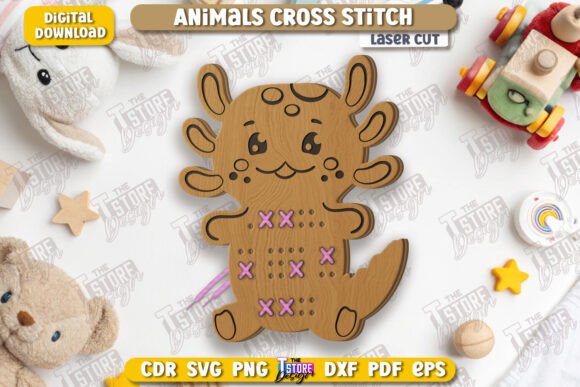
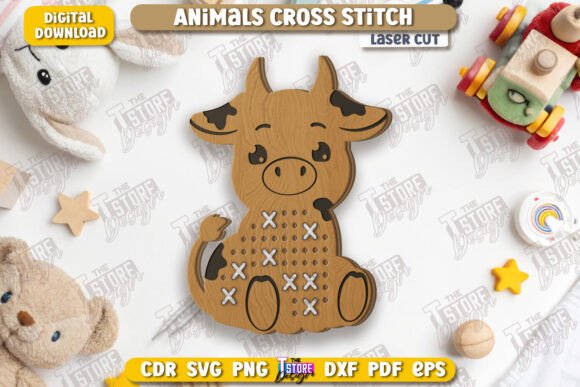
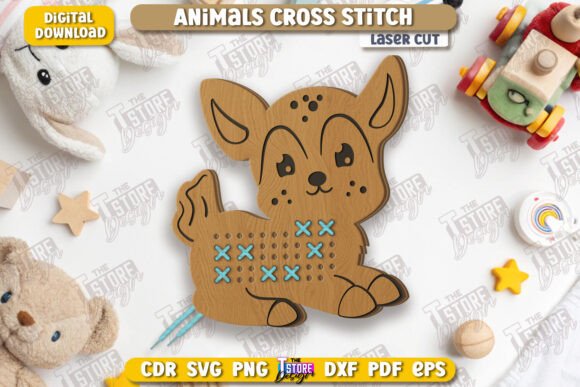
Montessori-inspired learning emphasizes independence, sensory exploration, and practical life skills. One of the most effective ways to teach these concepts is through lacing games. These activities require children to thread cords or ribbons through pre-cut holes, mimicking the action of sewing but in a way that is safe and manageable for small hands. The Cross Stitch Animals Laser Cut Montessori Lacing Developing Game Educational Toy CNC File takes this concept further by incorporating a pixelated, cross-stitch visual style into the physical structure of the toy.
When you utilize a laser cutter to produce this design, you aren't just making a toy; you are crafting a piece of art that bridges generations. The turtle motif is particularly popular because it represents patience and steady progress—traits that align perfectly with the slow, deliberate nature of threading beads or laces. Unlike mass-produced plastic toys found in big-box stores, items made from this CNC file offer a warm, natural texture when cut from wood or acrylic, providing a superior sensory experience for young learners.
Understanding the File Structure: Red Lines and Black Lines
For anyone stepping into the world of digital fabrication, understanding how to interpret vector files is crucial. This specific product is designed with precision to streamline your workflow. The design utilizes a color-coded system that tells your software exactly what to do with each part of the image. In this setup, the RED line indicates where the machine should CUT, separating the individual pieces from the material. Conversely, the BLACK line indicates where the machine should ENGRAVE, adding depth and detail to the surface without removing the material entirely.
This distinction is vital for achieving professional results. If you were to cut along the black lines, you would destroy the intricate details of the turtle's shell and face. If you engraved along the red lines, the pieces would remain fused together, rendering the lacing game unusable. By adhering to this simple color protocol, you ensure that every hole is perfectly sized for lacing and every decorative element is crisp and clear. This level of attention to detail is what separates hobbyist projects from sellable products.
Optimizing Your Workflow with Compatible Software
One of the most common challenges makers face is ensuring their software handles dimensions correctly. While many users rely on popular applications like Lightburn, there can be occasional discrepancies when importing certain file formats. It is not uncommon for SVG files to suffer from slight distortions in dimension within Lightburn, which can lead to misaligned cuts or engraving errors. To mitigate this risk, we strongly suggest using the DXF file format included in the download package if you are working with Lightburn.
The DXF format is widely regarded for its stability and accuracy in CAD-based workflows. By choosing the DXF version of the Cross Stitch Turtle Laser Cut CNC file, you minimize the chance of scaling issues, ensuring that the holes for the lacing string are the exact size intended. This is particularly important for Montessori toys, where the fit of the components directly impacts the child's ability to use them successfully. A hole that is too tight will frustrate a child, while one that is too loose defeats the purpose of developing fine motor control.
A Comprehensive Digital Package for Every Need
Flexibility is key when working with different types of laser cutting machines and software environments. That is why this digital product comes packaged as a complete zip archive containing multiple file formats to suit various needs. You will receive:
- 1 SVG file: Ideal for design software like Adobe Illustrator, CorelDRAW, or Inkscape.
- 1 EPS file: A scalable vector format compatible with a wide range of professional graphic design tools.
- 1 PNG file: Useful for previewing the design or creating marketing materials for your shop.
- 1 PDF file: Often used for documentation or printing instructions alongside the project.
- 1 DXF file: The recommended choice for Lightburn and other CAD-focused laser cutting software to ensure dimensional accuracy.
This variety ensures that regardless of your specific hardware setup or preferred software suite, you have the right tool to execute the project flawlessly. Whether you are running a small home workshop or a larger commercial operation, having access to these diverse formats saves time and eliminates the need for complex file conversions that can introduce errors.
Practical Applications and Creative Possibilities
The versatility of the Cross Stitch Animals Laser Cut Montessori Lacing Developing Game Educational Toy CNC File extends far beyond a single project. While the primary application is creating wooden or acrylic lacing turtles for children, the underlying design principles can be adapted for various uses. For instance, the same file can be used to create wall art, coasters, or even custom jewelry pendants for adults who appreciate the retro pixel-art aesthetic.
Imagine a scenario where a teacher wants to create a classroom set of matching games. By cutting the design from plywood and painting the engraved areas, they can create a visually engaging activity that teaches colors, shapes, and sequencing. Alternatively, a parent might choose to use birch plywood and leave the natural grain visible, enhancing the eco-friendly appeal of the toy. The engraving capability allows for customization; you could add a child's name to the back of the turtle or include specific educational prompts near the lacing path.
Furthermore, this design fits seamlessly into the "maker" lifestyle. As more people invest in desktop laser cutters for home use, the demand for ready-to-use, high-quality designs grows. Instead of spending hours drafting vectors from scratch, creators can download this file and immediately start producing tangible goods. This efficiency allows makers to focus on finishing touches, such as sanding edges smooth and selecting the perfect colored laces, rather than getting bogged down in technical design hurdles.
Material Considerations and Safety
When bringing this design to life, the choice of material plays a significant role in the final outcome. For Montessori toys, safety is paramount. Natural woods like maple, cherry, or Baltic birch are excellent choices because they are non-toxic, durable, and provide a pleasing tactile feel. When cutting these materials, the laser burns away the excess, leaving clean edges that require minimal sanding. However, it is essential to ensure that any finishes or paints applied after cutting are non-toxic and suitable for children's toys.
If you opt for acrylic, the result is a vibrant, colorful toy that can be customized with a vast array of hues. Acrylic also offers a smooth surface that is easy to clean, making it a hygienic option for shared classroom environments. Regardless of the material, the precision of the Cross Stitch Turtle Laser Cut CNC file ensures that the structural integrity remains intact, preventing sharp burrs or jagged edges that could pose a risk.
Support and Community Engagement
Creating high-quality products often involves a bit of trial and error, especially when navigating the nuances of different laser machines and software settings. We understand that questions may arise during your process. Perhaps you need a specific file type not listed in the standard package, or maybe you require a PNG file with different dimensions for a specific marketing campaign. In these cases, direct communication is the best path forward. Please feel free to write a message if you need other types of files or specific adjustments to the PNG color size.
We believe in building a community of makers who support one another. Your feedback helps us improve our designs and better serve the needs of the crafting community. If you encounter any issues with compatibility or have questions about optimizing your cut settings, don't hesitate to reach out. Our goal is to ensure you have a seamless experience from download to finished product.
To stay updated on new releases and exclusive designs, consider following our shop. By doing so, you will see our future releases directly in your feed, giving you early access to exciting new patterns and educational tools. Thank you for visiting our shop and for supporting independent digital creators. Together, we can continue to foster creativity, education, and innovation through the power of laser cutting technology.